
More class time, less login time.
Your students log in by QR, no passwords. You document their work all year in a digital portfolio. 15 minutes to set up your class.
Features
Designed around the reality of a primary classroom
Rich enough for a full portfolio. Simple enough that a 6-year-old can use it without help.
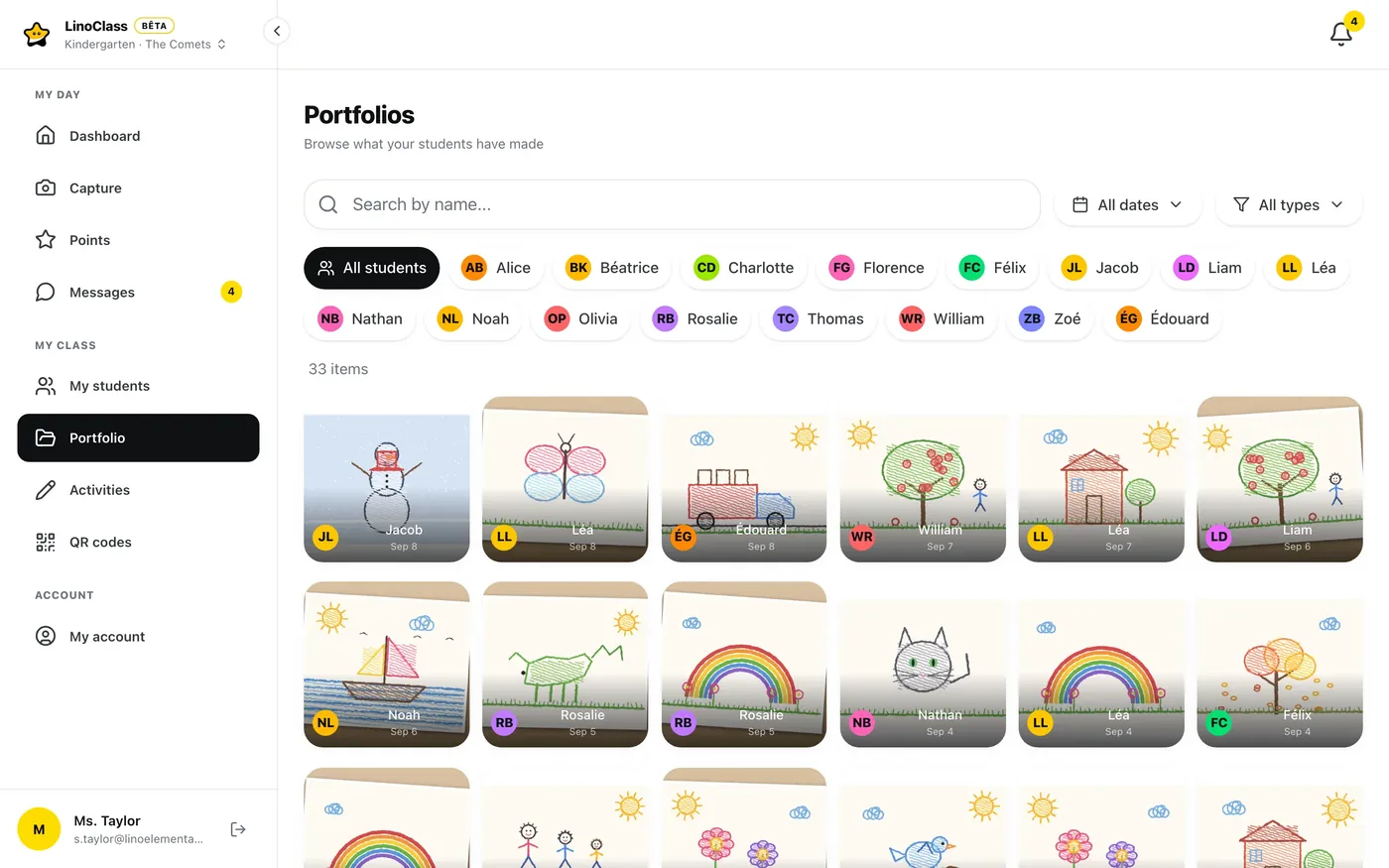
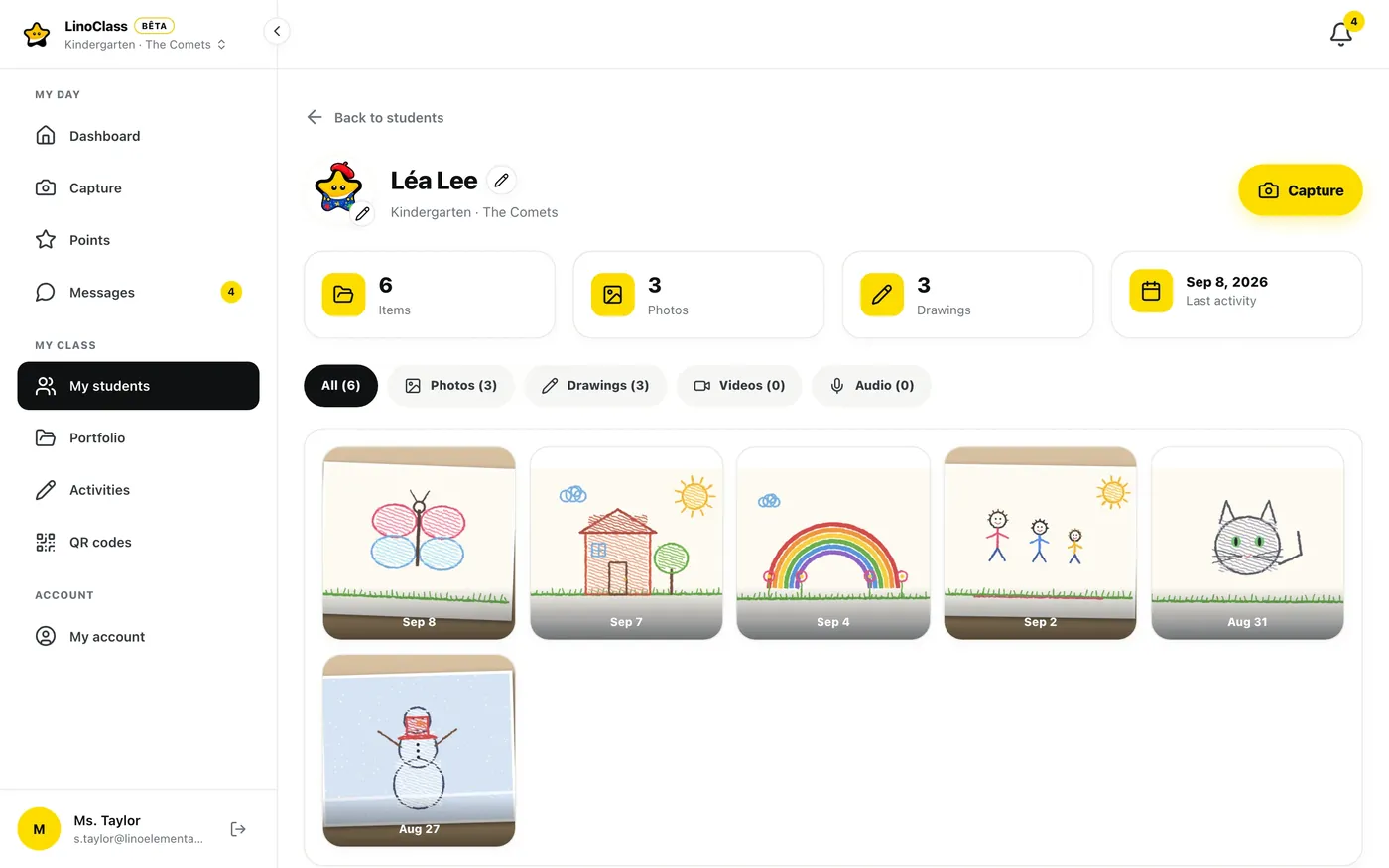
A whole year, in one place
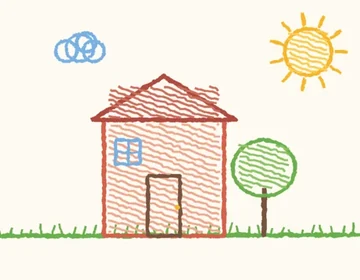
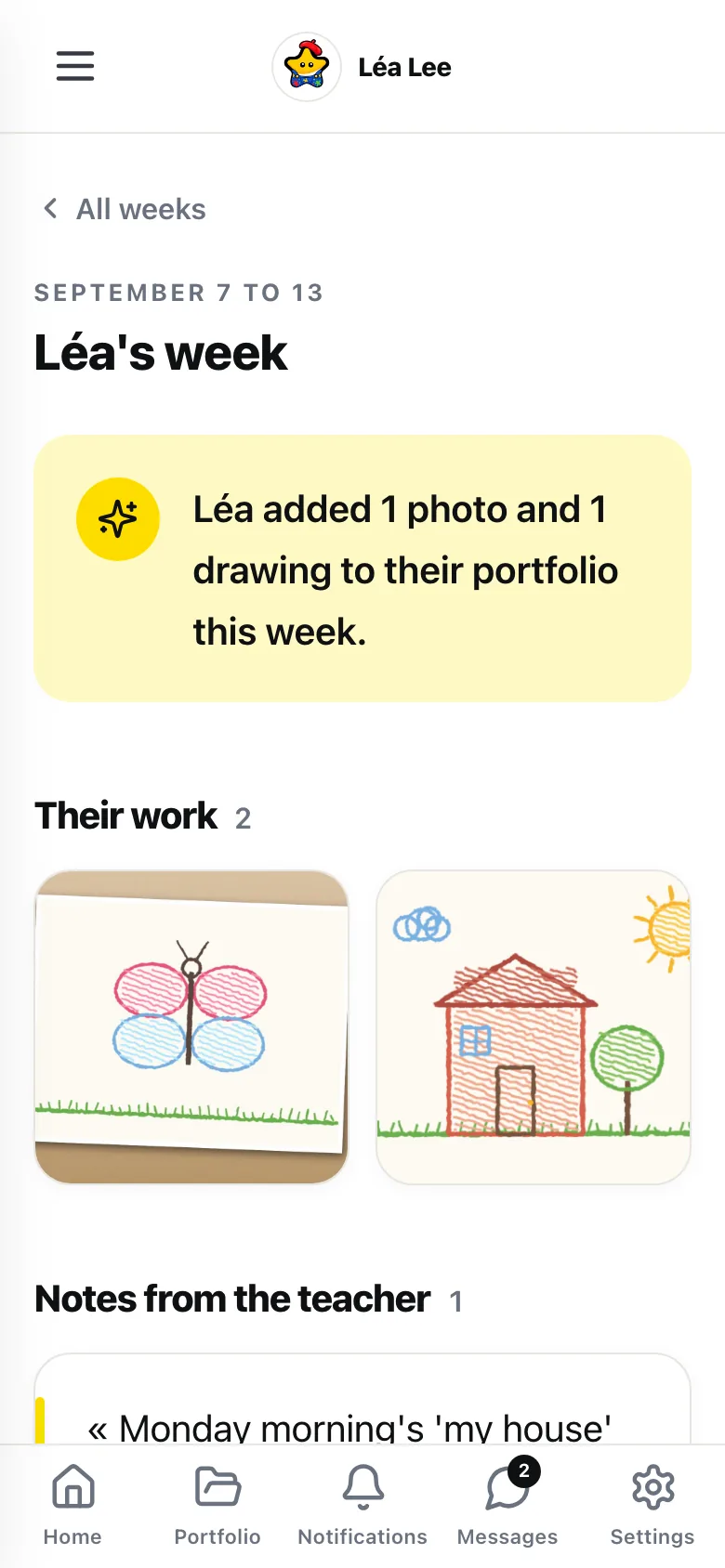
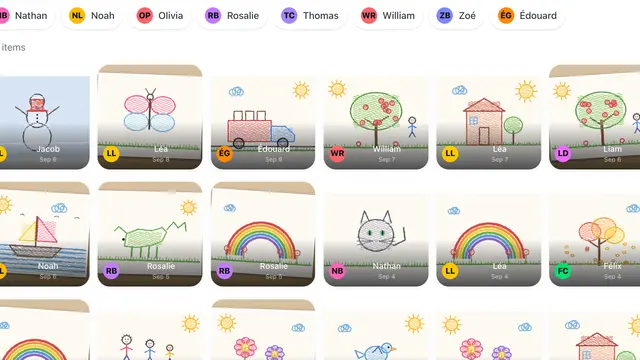
Photos, drawings, video, audio. The work piles up week after week. Parents see what their child did with nothing to file.
Students log in by themselves
No more forgotten passwords, no resets, no teacher helping 28 kids log in before 9 AM. You get back the time you used to lose to the login dance.
One portfolio, every medium
Photos, drawings, videos, audio. The student draws, narrates, snaps a picture of their notebook. Everything lands in the portfolio without switching apps.
One announcement, five emails saved
Photos, PDFs, audio in the same post. Parents reply or ask their question without opening another app. Real time saved every week.
Assign tasks, track returns at a glance
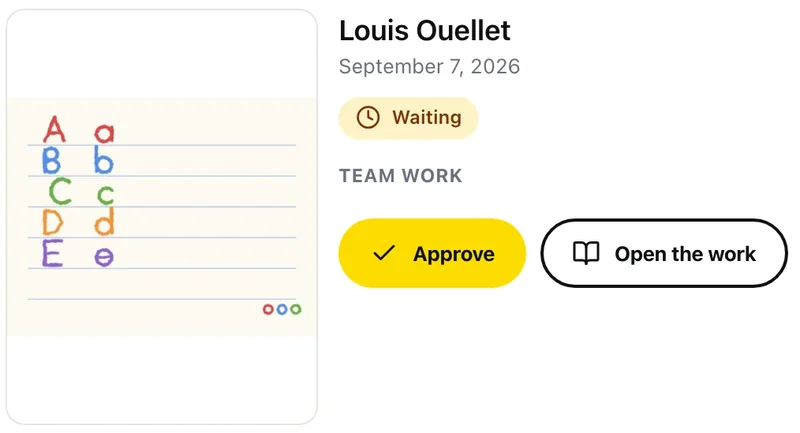
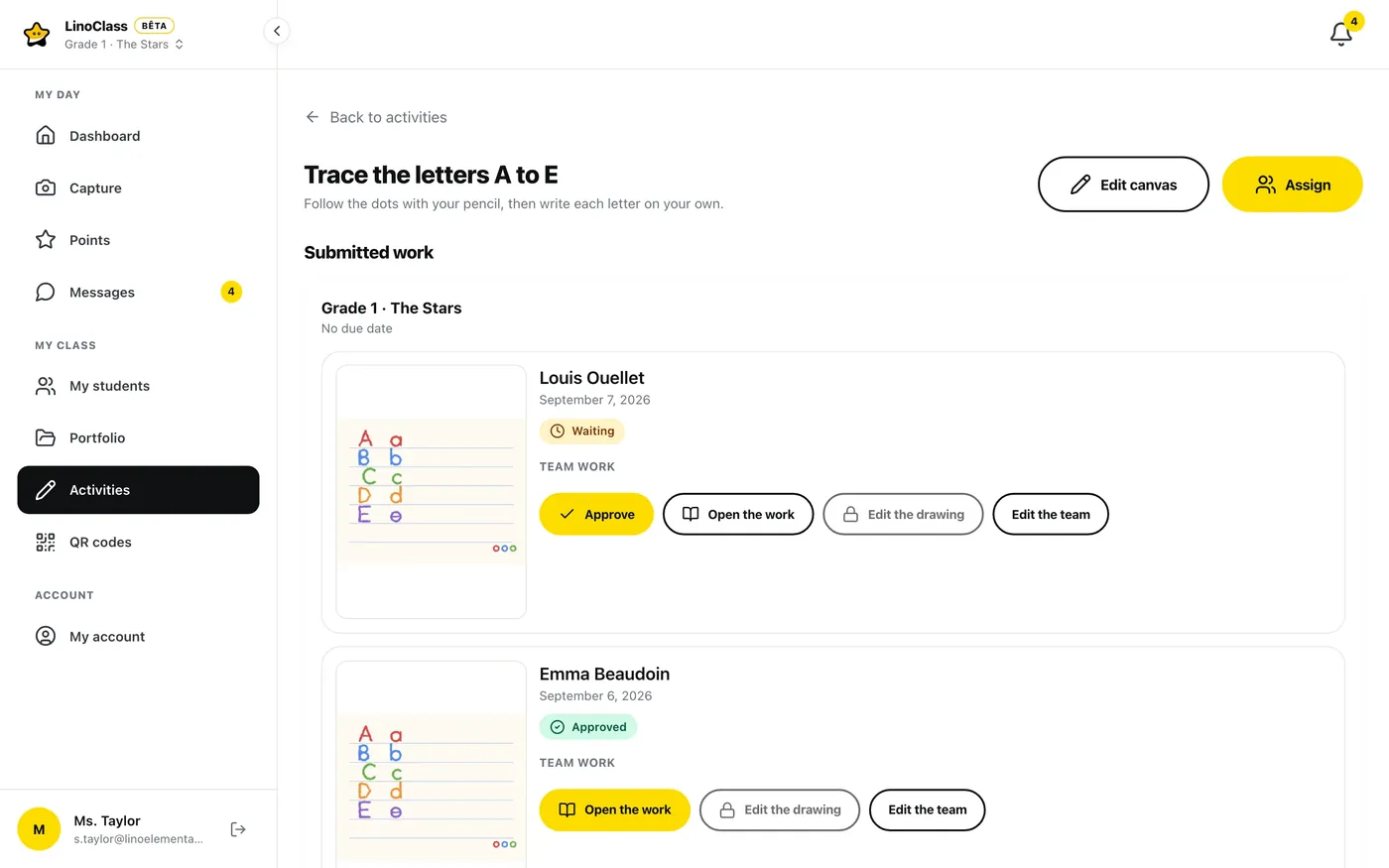
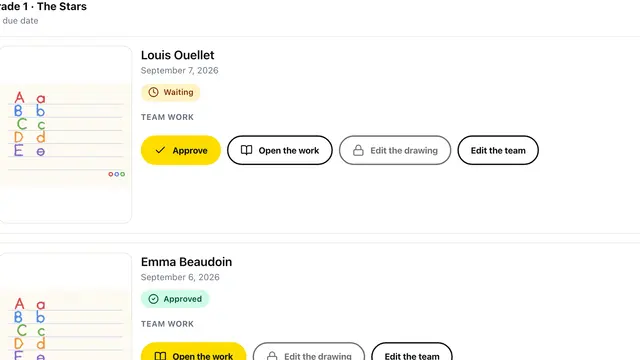
Give an activity to the whole class or to one student. See who handed in what at a glance, without leafing through 28 notebooks.
Your data stays in Canada
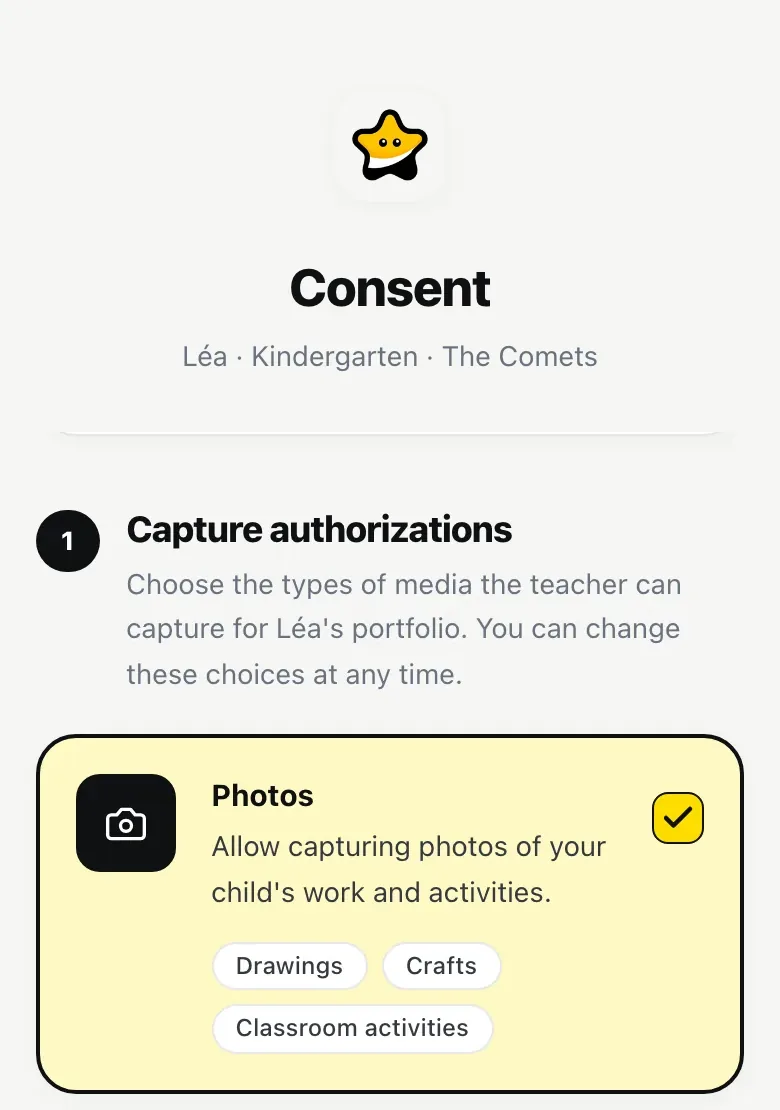
Student photos, drawings, parent communication: everything stays on Canadian servers, never in the US. Law 25 compliant from day one.
I migrated from Seesaw Plus in 20 minutes. Parents get a clearer weekly digest than what I was sending before, and I'm not paying $199 US per classroom per year anymore.
My students log in with the QR code taped to their iPad. No passwords to reset, which saves us half the Monday-morning frustration.
What sold me: my data stays in Canada. My principal asks fewer compliance questions, and we launched in September without the usual paperwork loop.
Pilot-class testimonials. Names and photos are placeholders until real pilot teachers authorize publication.
How it works
Set up in 15 minutes
From empty account to first post shared with parents, in a coffee break.
Teacher signs up
Email + password. Create your class, add student names (or import a CSV).
Students scan the QR
Print the class QR, put it on the wall. Each student scans it from an iPad or Chromebook. They're in.
Parents receive the digest
Add their email once. Every Friday, they get a recap with photos, announcements, highlights. They can comment directly.
Pricing
Simple, no surprises
Try free, no credit card required. Upgrade to Pro when your class is ready.
Free
For discovering LinoClass with your class.
- Up to 10 students
- Photo and drawing portfolio
- Space for a few projects
- Share with parents
- Canadian hosting
Teacher Pro
Everything you need for your class, no limits.
About $6.58 per month
- All your students, no limit
- Video and audio included
- Space for thousands of photos and videos
- Send announcements to parents
- Create and assign activities
- Interactive whiteboard for students
- Quick help when you need it
Frequently asked questions
What teachers and parents ask us
Is LinoClass compliant with Quebec's Law 25?
How much does LinoClass cost?
My students are 6. How do they log in without passwords?
Do parents need to install an app?
Does it work on iPads and Chromebooks?
What happens to our data if I stop using LinoClass?
How long does setup take?
Is LinoClass bilingual?
Resources
Latest blog posts
Practical guides and analysis on Law 25, school compliance, and digital tools for teaching.
Canadian teachers' AI skills gap: what TALIS 2024 found in Alberta
In Alberta, 67% of non-AI-using teachers say they lack the skills to teach with AI, below the OECD average of 75%.
Ontario's cellphone ban in 2026
PPM 128 bans phones in class. What the proposed full school-property ban means for family-school communication.
Quebec's new teacher PD rule for 2026: what's mandatory and what counts
30 hours of professional development every two years, including 2 hours on digital competency. What counts and how to log your hours.
Looking for an alternative
LinoClass vs other tools
Detailed comparisons with the tools most used in Quebec schools.
Ready to try it with your class?
Free for up to 10 students, no credit card. 15 minutes to set up.
Create my account