
 New Brunswick · Nova Scotia · Prince Edward Island
A student portfolio in French, for Acadian classes
LinoClass is a student portfolio and school-family link designed in French. Your students add their work from the tablet, you approve what goes out, and parents follow their child's year.
Is it safe for my students?
- The database, its backups and the portfolio files are hosted in Quebec, Canada.
- Before seeing the class, each parent chooses what they allow: photos, videos or sound. They can change their mind at any time.
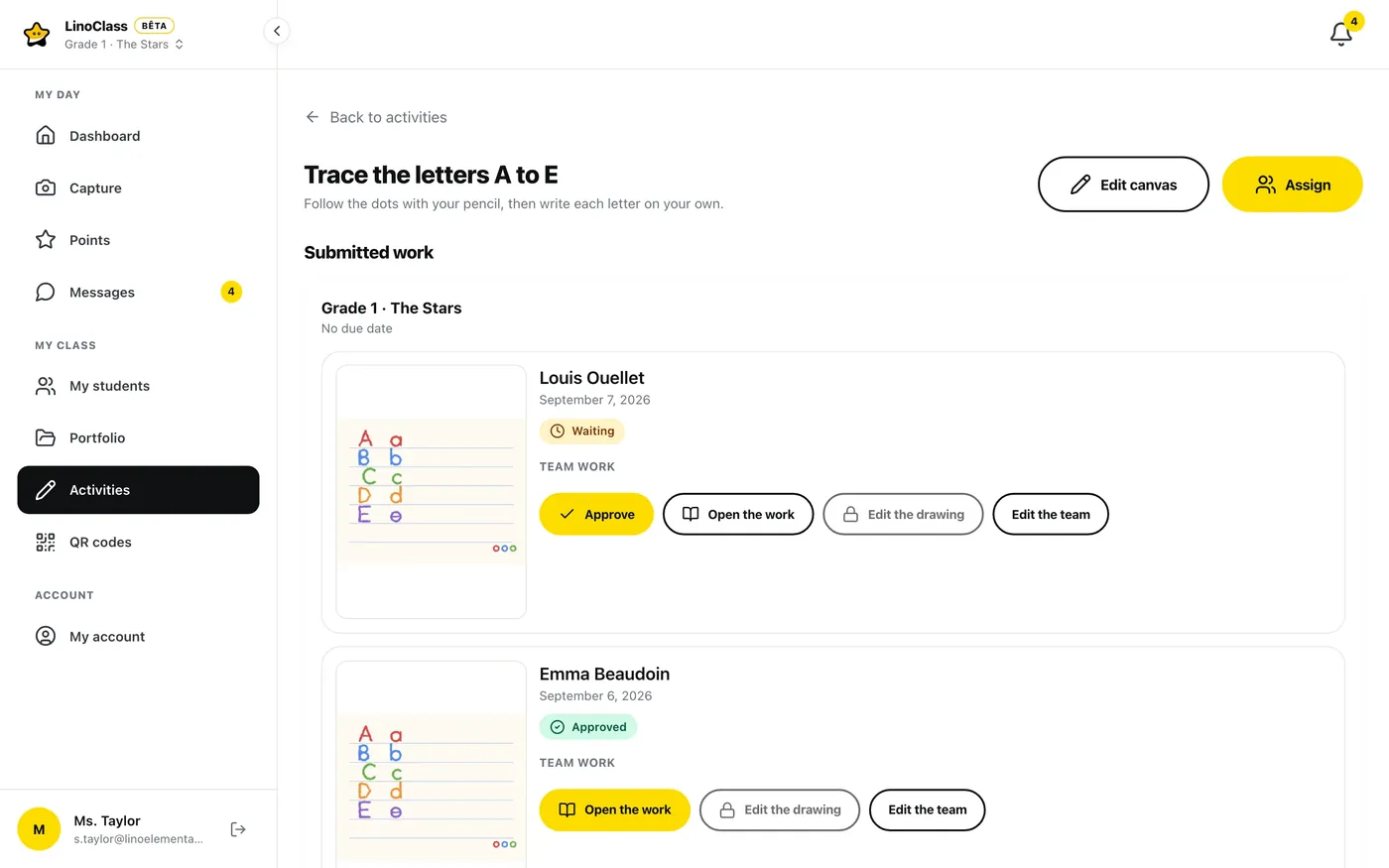
- What your students send arrives marked “Awaiting approval”. Nothing reaches the parents' feed before you tap “Approve”.
- No advertising, no data resale, no AI model trained on student or parent data.
- A deletion request is carried out within 30 days.
What the laws of your province say
New Brunswick. The Right to Information and Protection of Privacy Act applies to schools, school districts and District Education Councils.
Nova Scotia. The Personal Information International Disclosure Protection Act requires public bodies and their service providers to store personal information only in Canada and to access it only in Canada, except as provided in section 5.
At LinoClass, portfolios stay in Quebec. Invitation emails do go through a subprocessor in the United States: email address and first name only, no portfolio content. The full list is in our privacy policy. Your board or regional centre must assess this point before adopting the tool.
Prince Edward Island. The Freedom of Information and Protection of Privacy Act governs personal information held by public bodies.
In all three provinces, the privacy officer of your board or district is the right place to start. Our privacy policy gives them what we collect, where it is hosted, our subprocessors and the person responsible on our side.
Is it free?
Yes. Free for up to 35 students, with no credit card and no time limit. Parents never pay.
Has your district already chosen a platform?
If your district or school board has already chosen a platform for families, talk to your principal first.
Frequently asked questions